 Lockodo
Today's calendar and to-dos, on your Lock Screen.
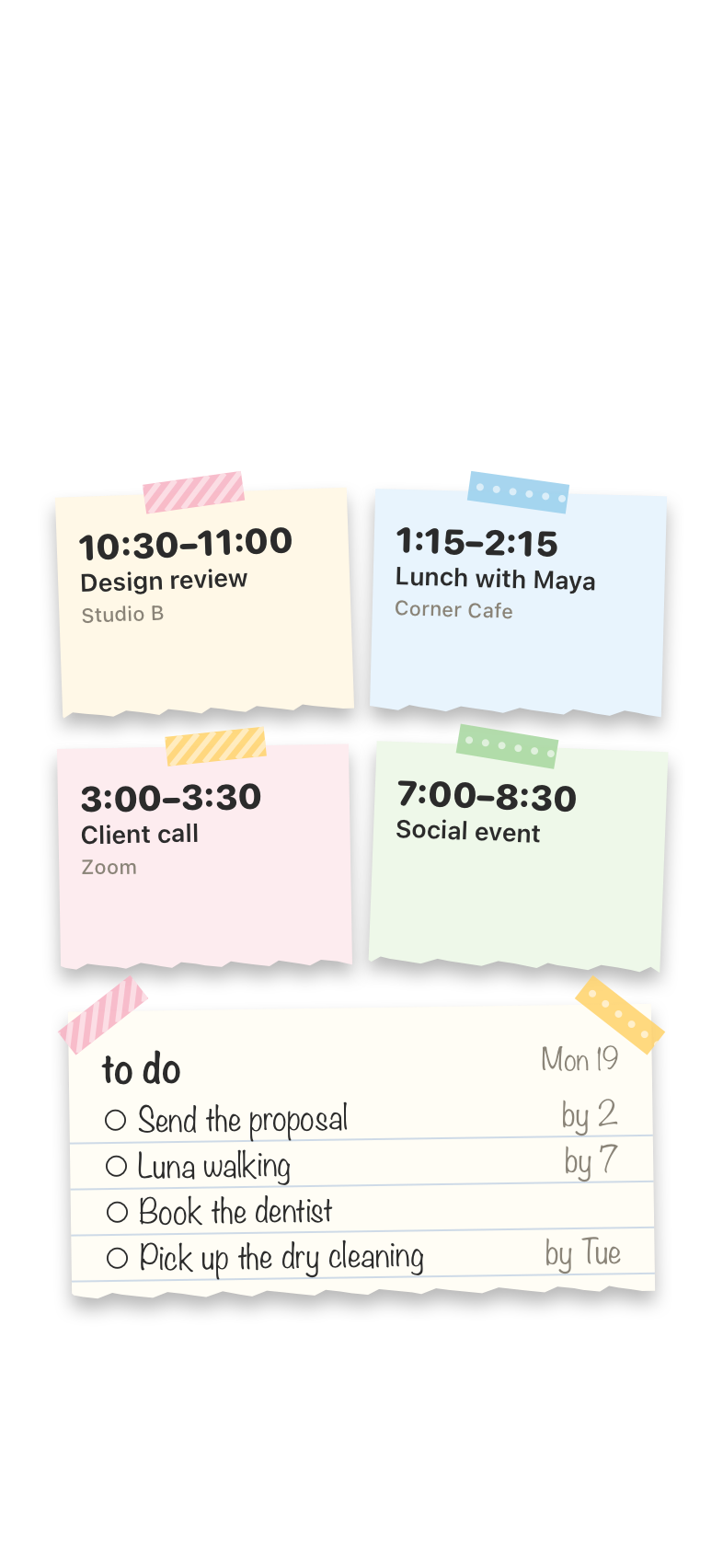
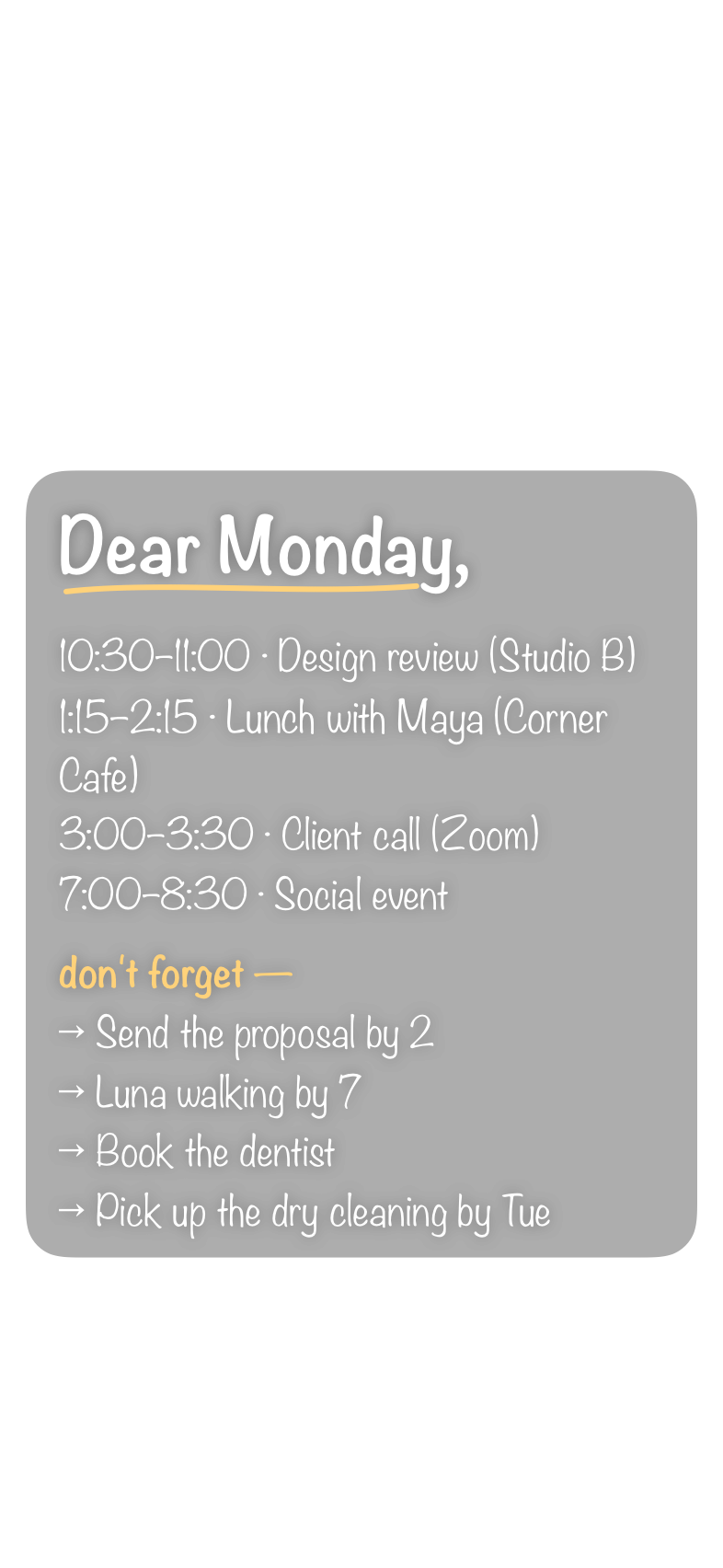
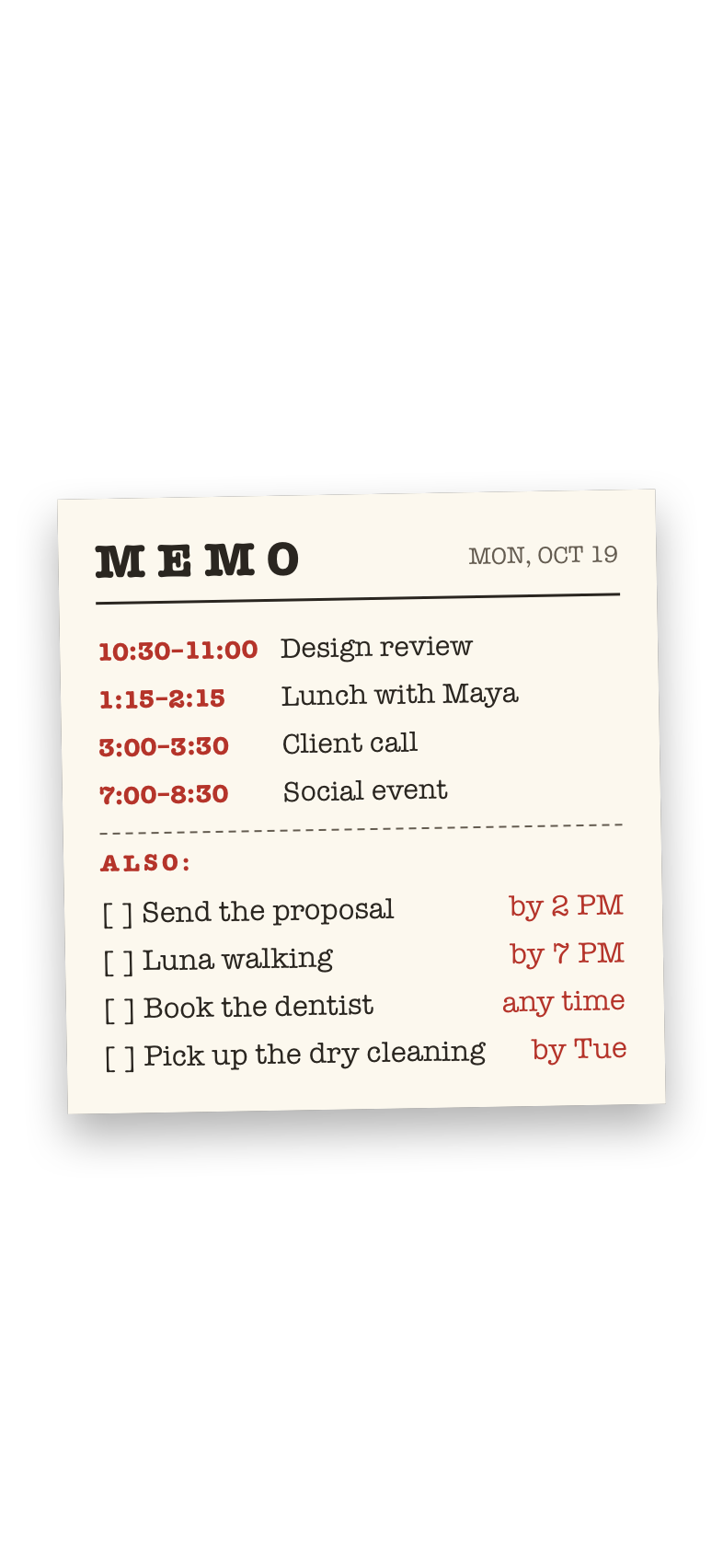
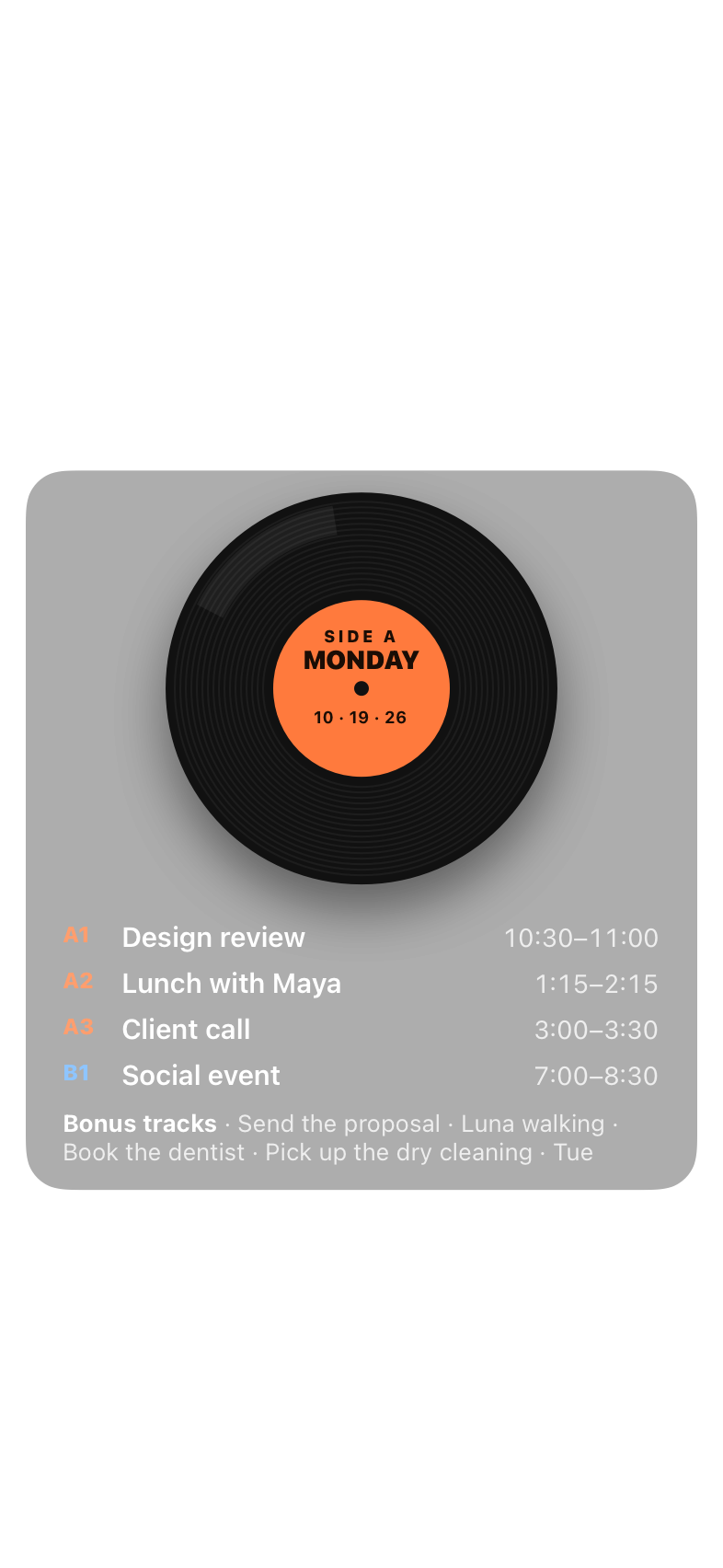
Lockodo draws your day onto your wallpaper and sets a new one every morning. Pick up your phone and you already know what's on.
Who it's for
Anyone whose plans live in their phone but not always in their head.
If out of sight means out of mind
Many people, with ADHD or without, forget what they can't see. A notification goes off once and gets swiped away, and a calendar only helps when you remember to open it.
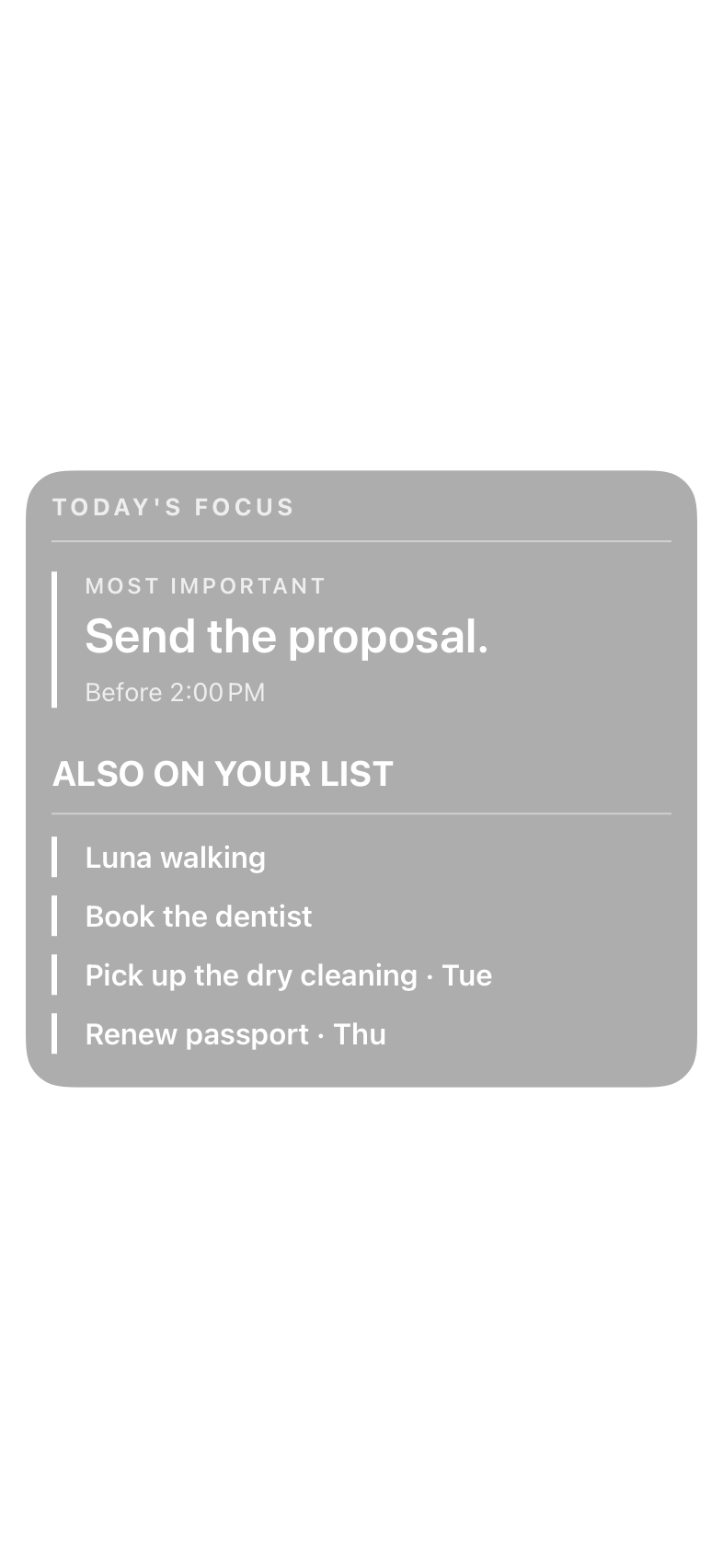
Your Lock Screen is the screen you look at all day without meaning to. Lockodo puts the one thing you can't drop at the top of it, and the rest of your list underneath.
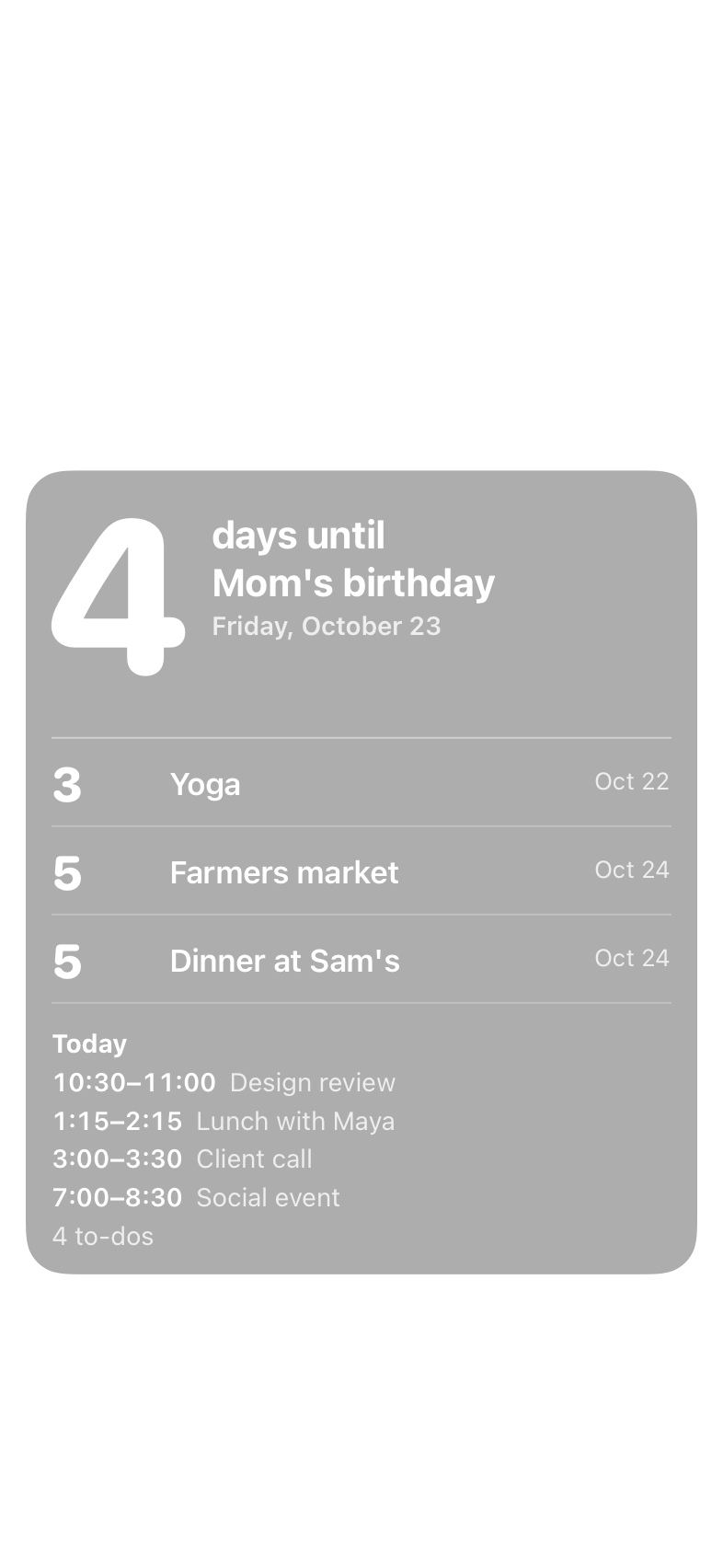
If important dates sneak up on you
Birthdays, appointments, the passport renewal you meant to do last month. A countdown on your Lock Screen tells you how many days are left while there's still time to do something about it.
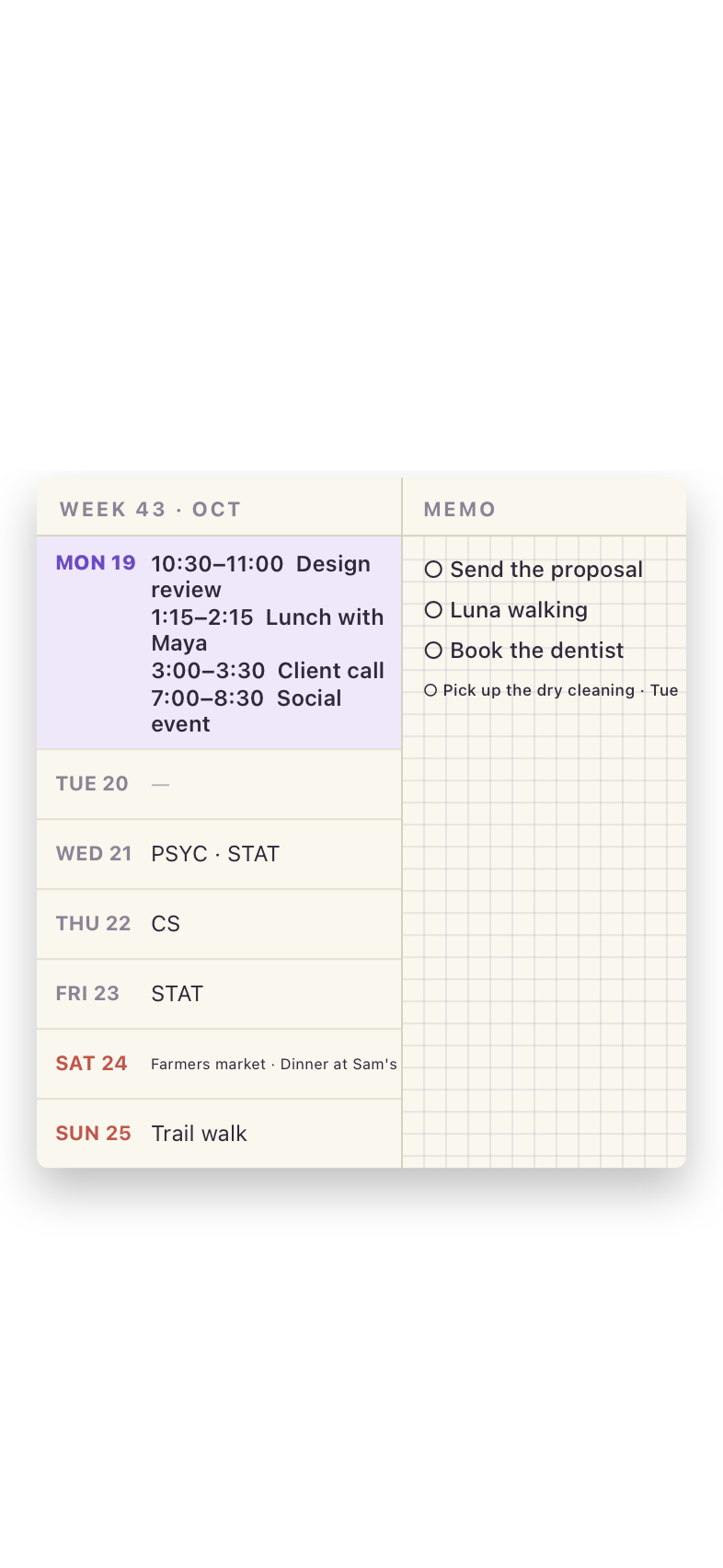
If your days are full, or split across calendars
Work in Google Calendar, family in iCloud, to-dos in Reminders. Lockodo puts them on one screen, each event with its start and end time, so you know when the next thing starts and when you're free without unlocking your phone.
Your day, in a style that feels like yours
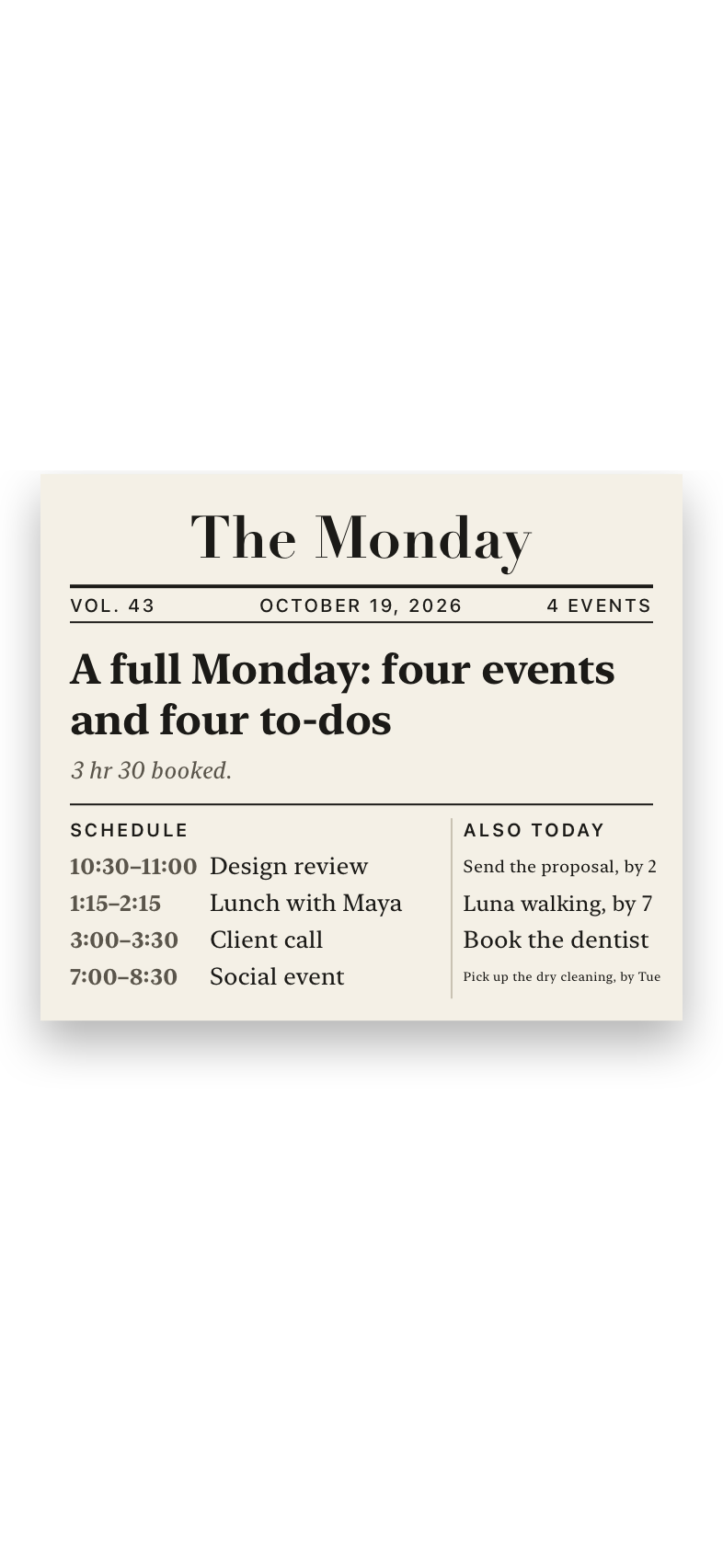
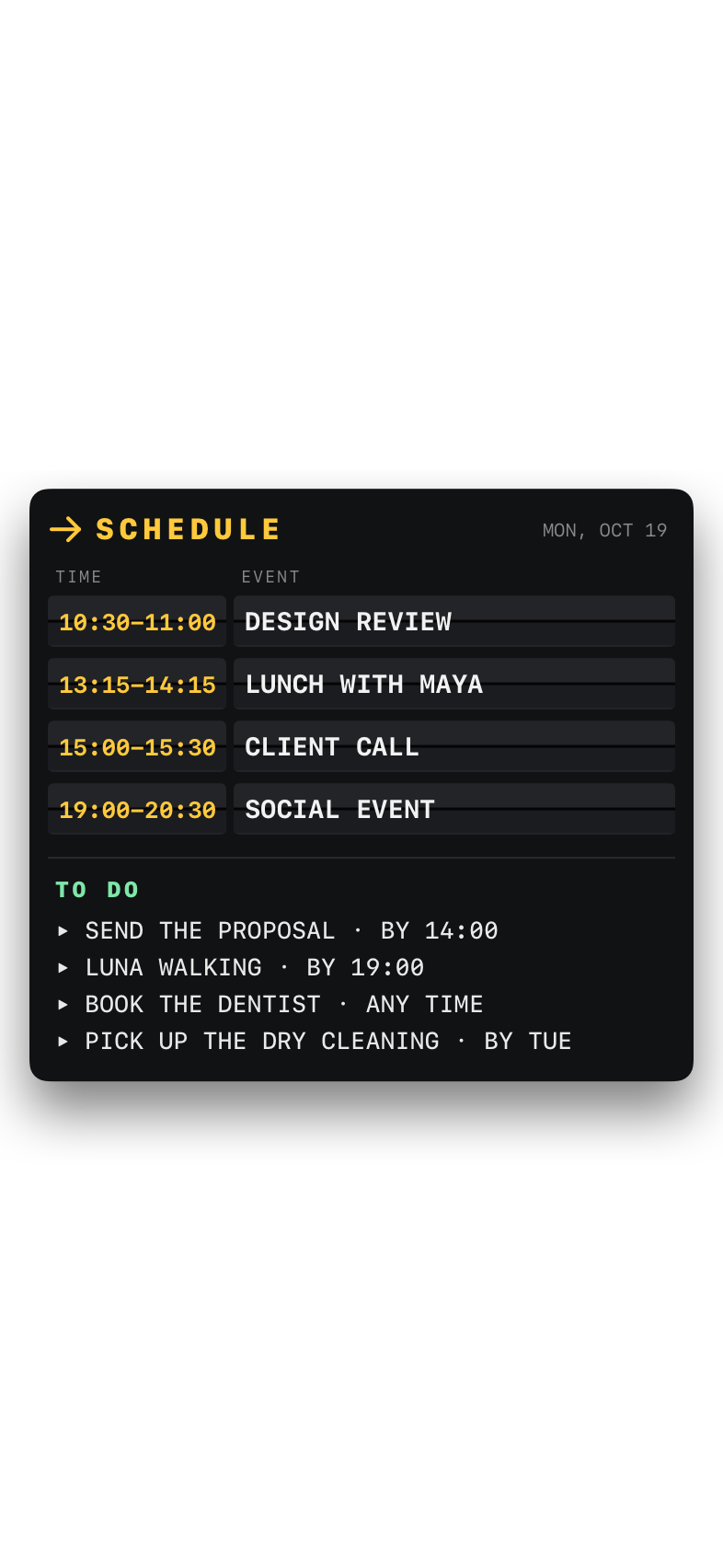
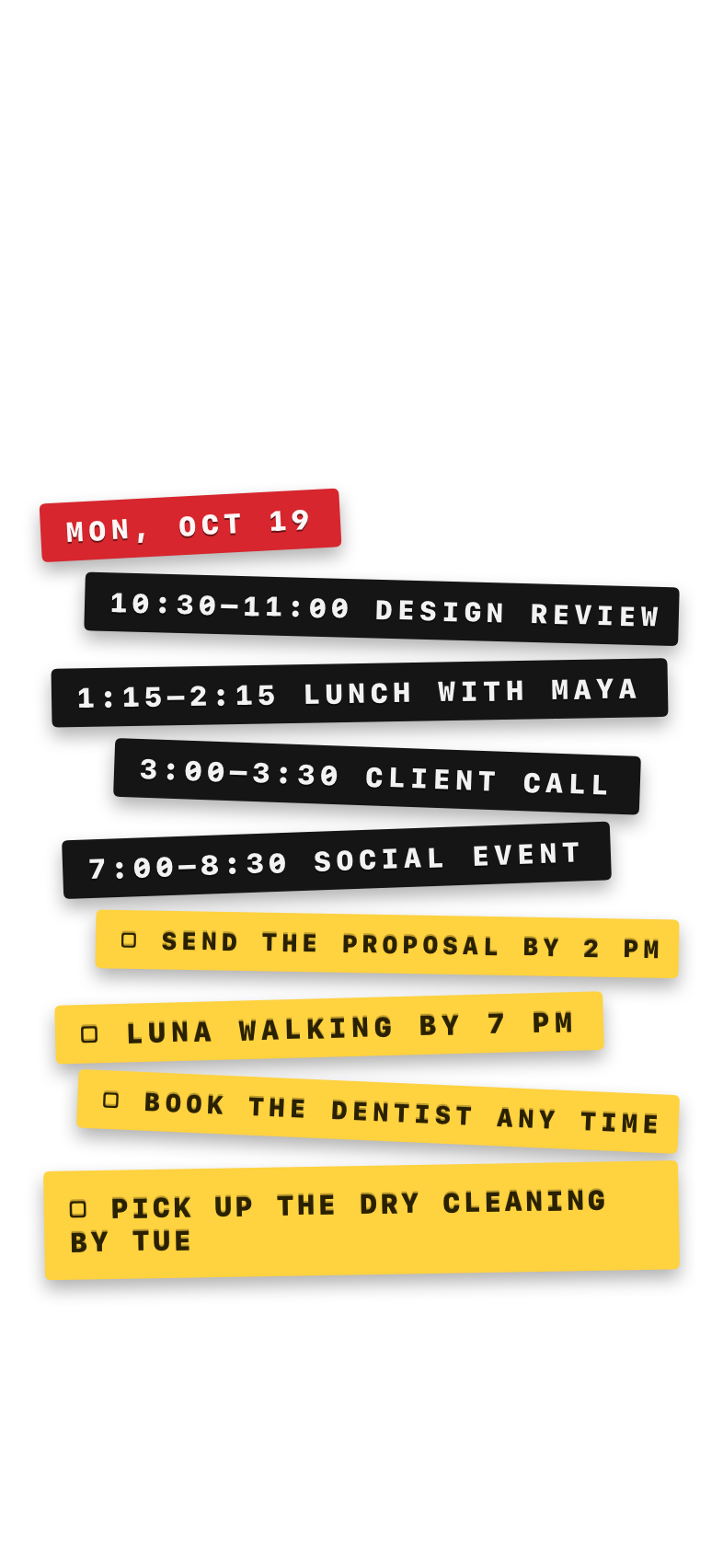
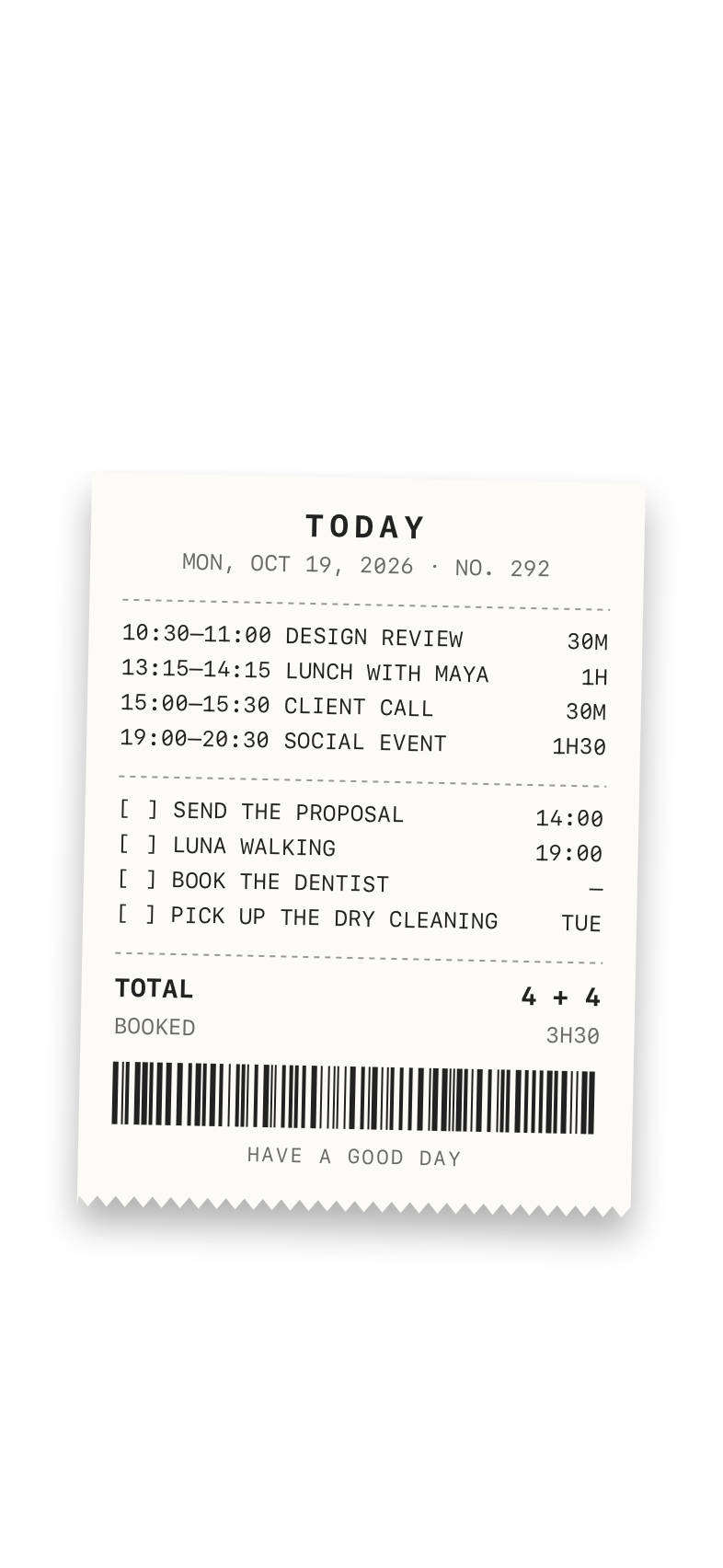
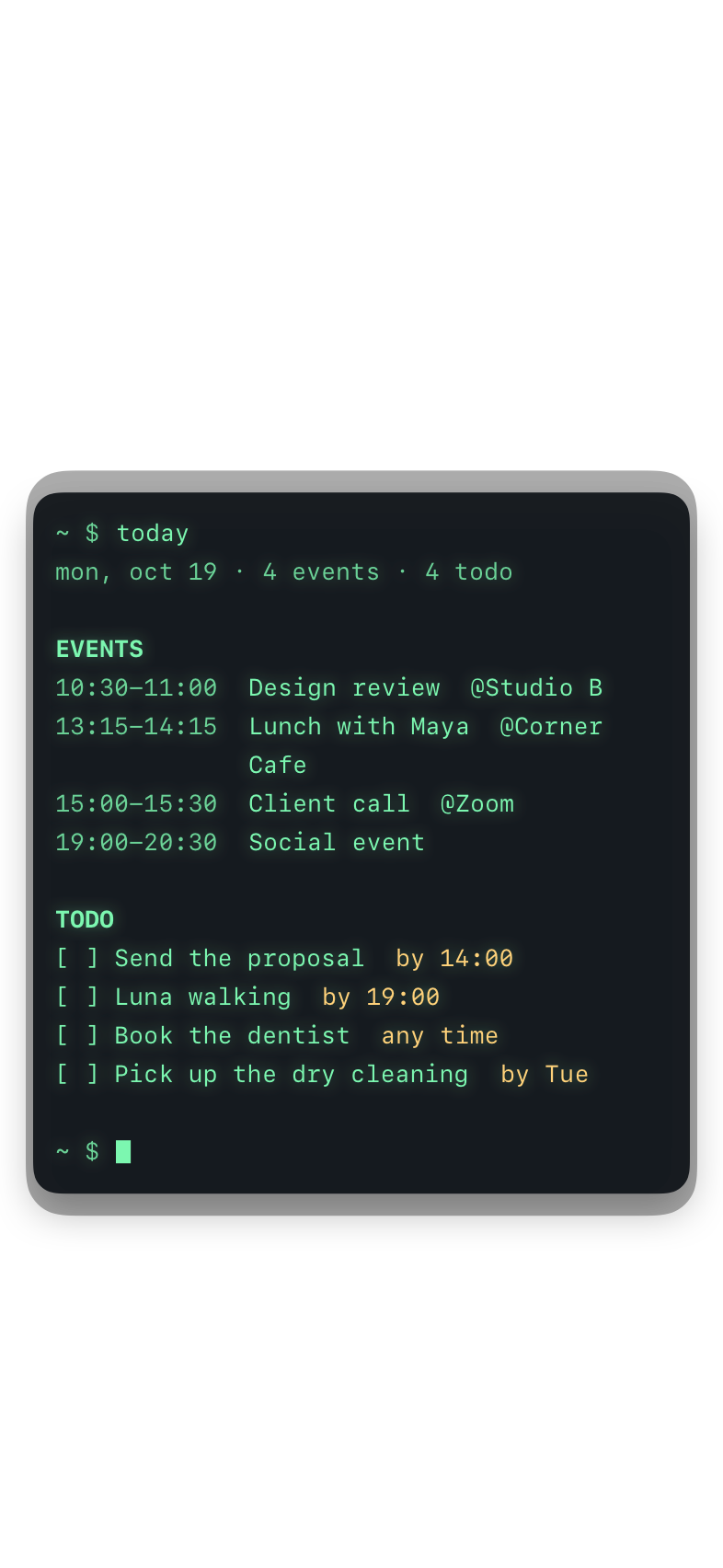
A newspaper front page, a departures board, a till receipt, a strip of label tape, and plenty more. Change it whenever you like; every event of the day stays on it, with its start and end time and its full name.
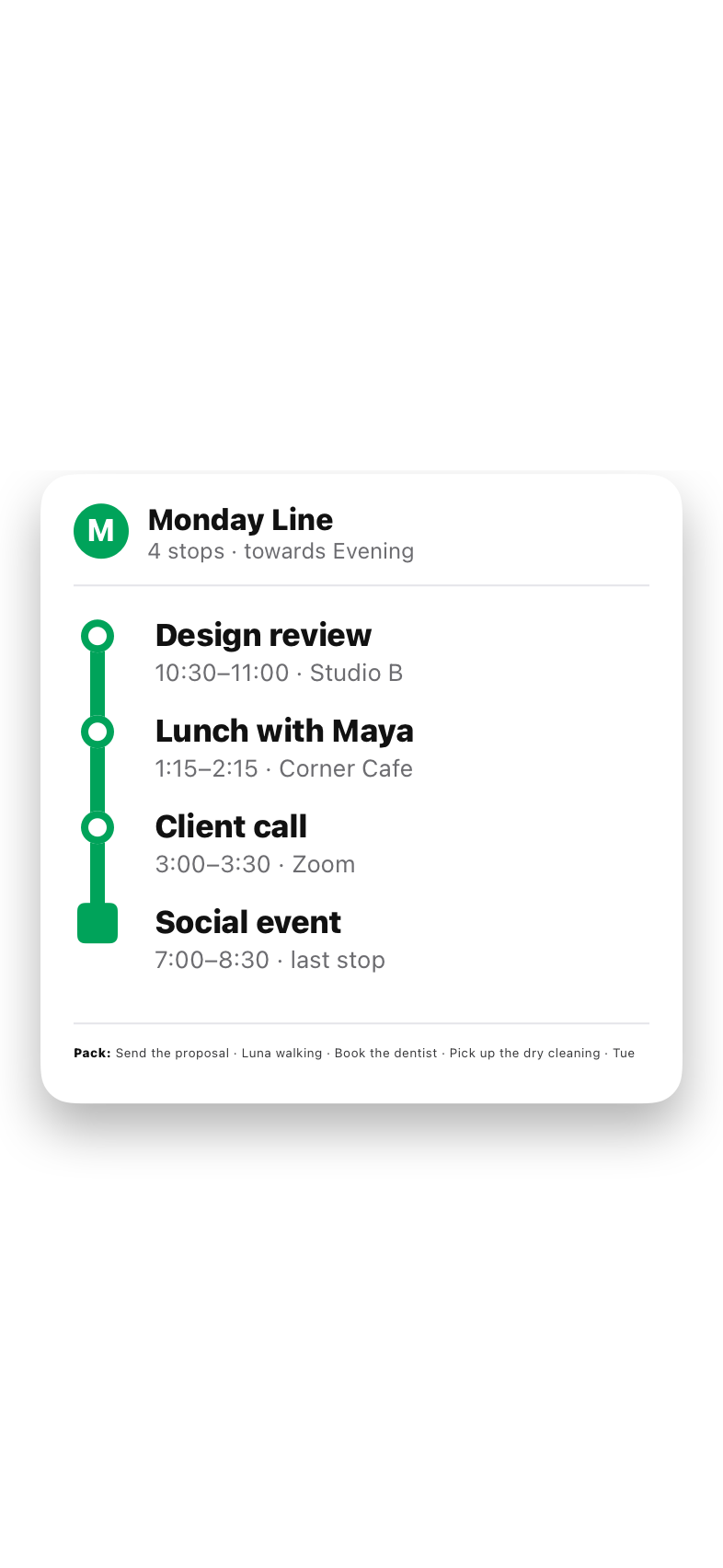
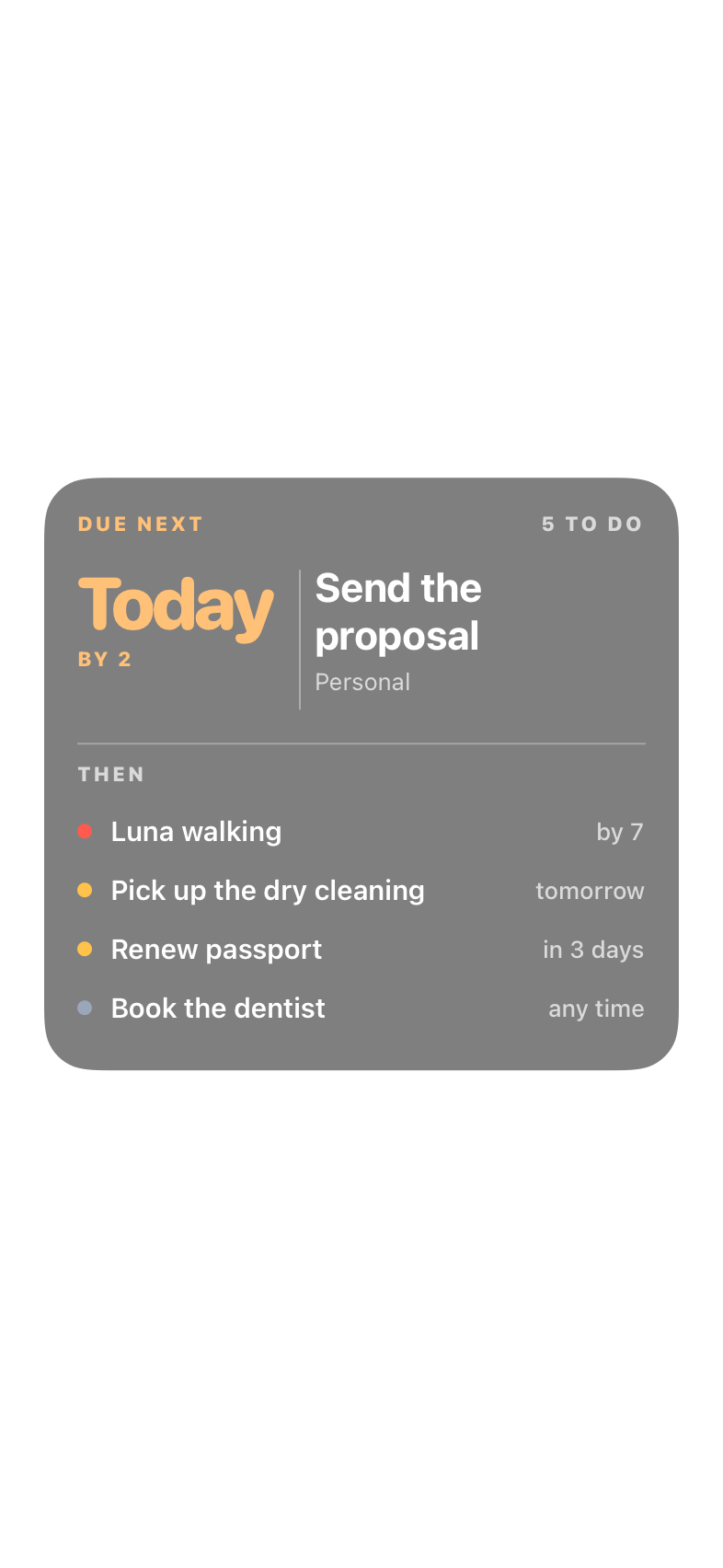
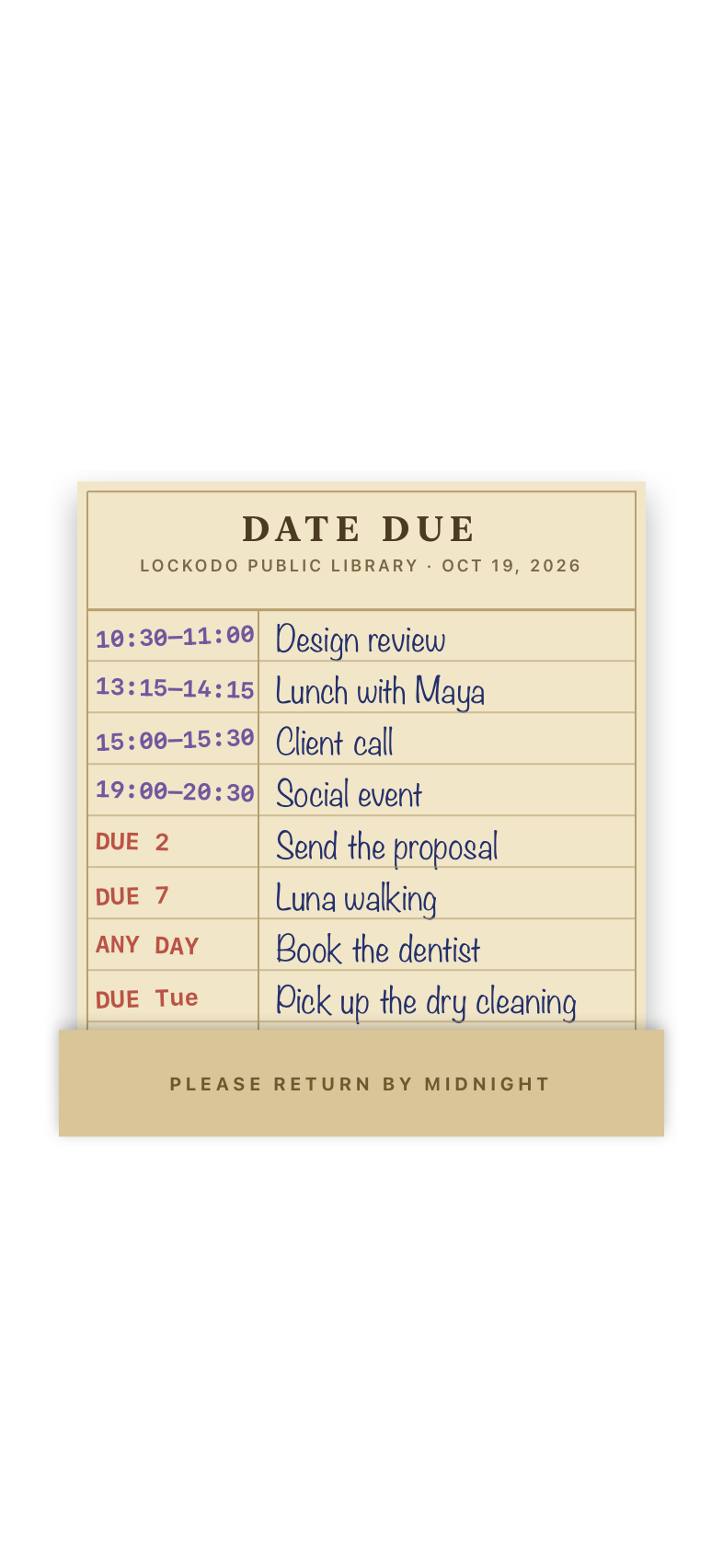
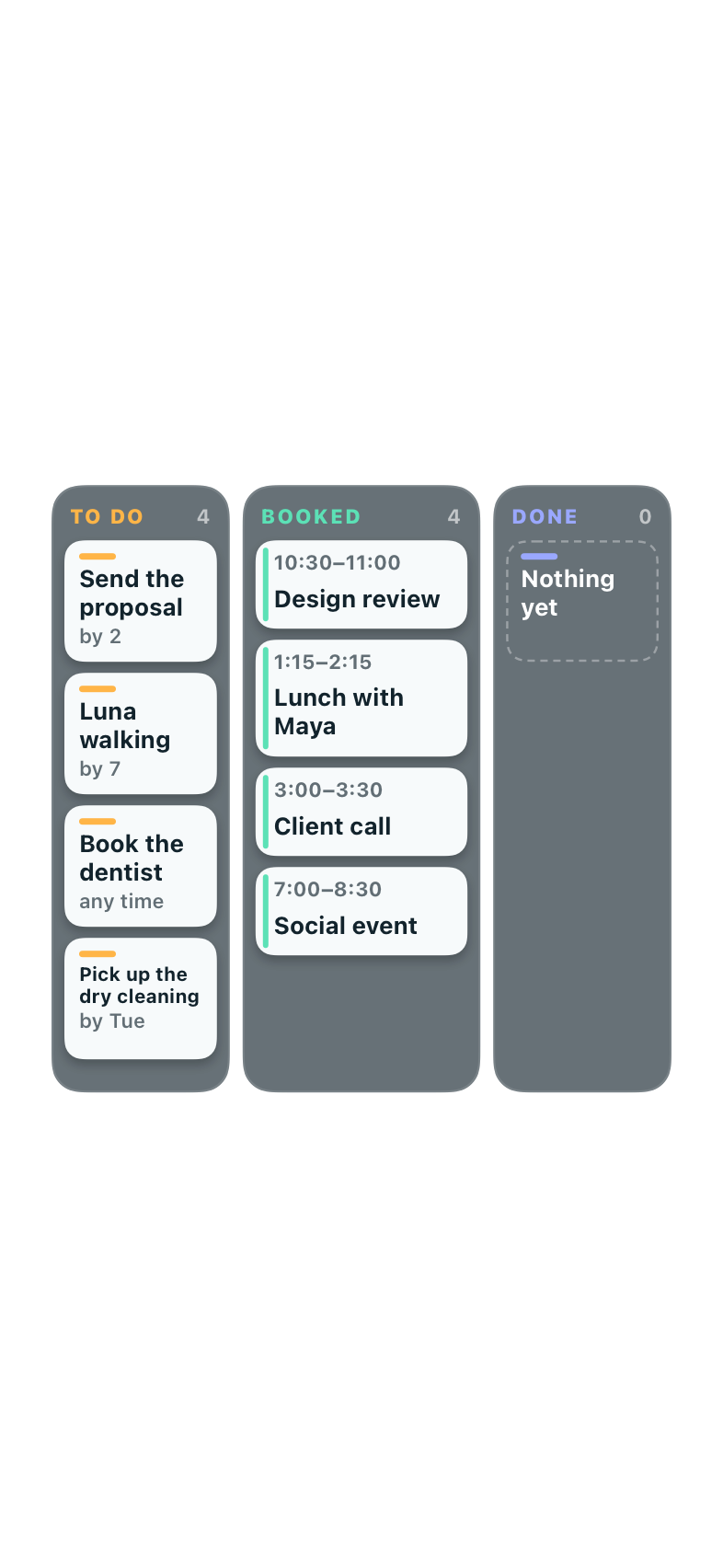
What's in the app
- Apple and Google calendars
- Your iPhone calendars and Google Calendar, merged into one day. Choose which calendars make it onto the wallpaper.
- To-dos from Apple Reminders
- Add, edit and check off to-dos in Lockodo; they're saved in Reminders. The wallpaper shows what's due today, and on roomier layouts, the rest of the week and anything without a date.
- A calendar to plan in
- The Calendar tab has your day and week, so you can look ahead without leaving the app.
- The Home Screen, if you want
- Leave your Home Screen as it is, use the same picture without the schedule, or pick a different photo for it.
Questions
Why didn't my wallpaper change when I added an event?
The wallpaper is a picture, not a widget, so it's redrawn when the shortcut runs rather than the moment your calendar changes. Tap Refresh Lock Screen in the Locker tab to update it straight away.
Which calendars work?
Anything in the iPhone Calendar app (iCloud, Exchange, subscribed calendars and so on) plus Google Calendar, which you connect inside Lockodo. To-dos come from Apple Reminders.
The shortcut ran but my Lock Screen stayed the same.
Shortcuts can't replace a Photo Shuffle Lock Screen. Long-press your Lock Screen, add a new one made from a single photo, then try again. There's more on the support page.